Semantic search
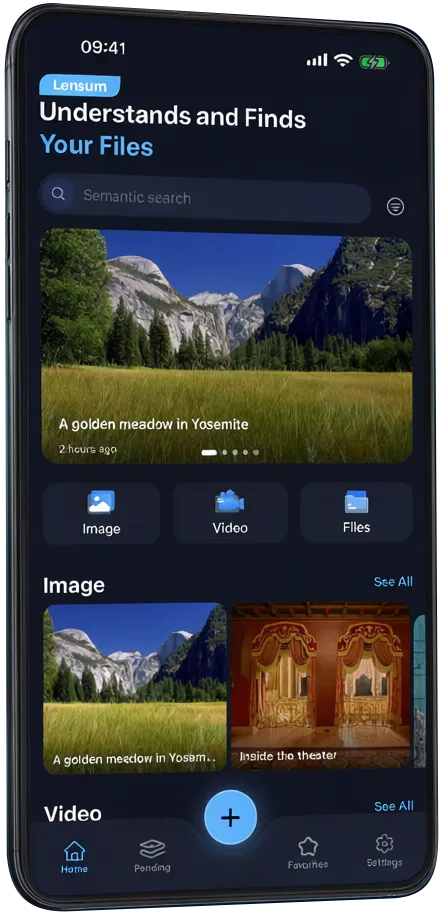
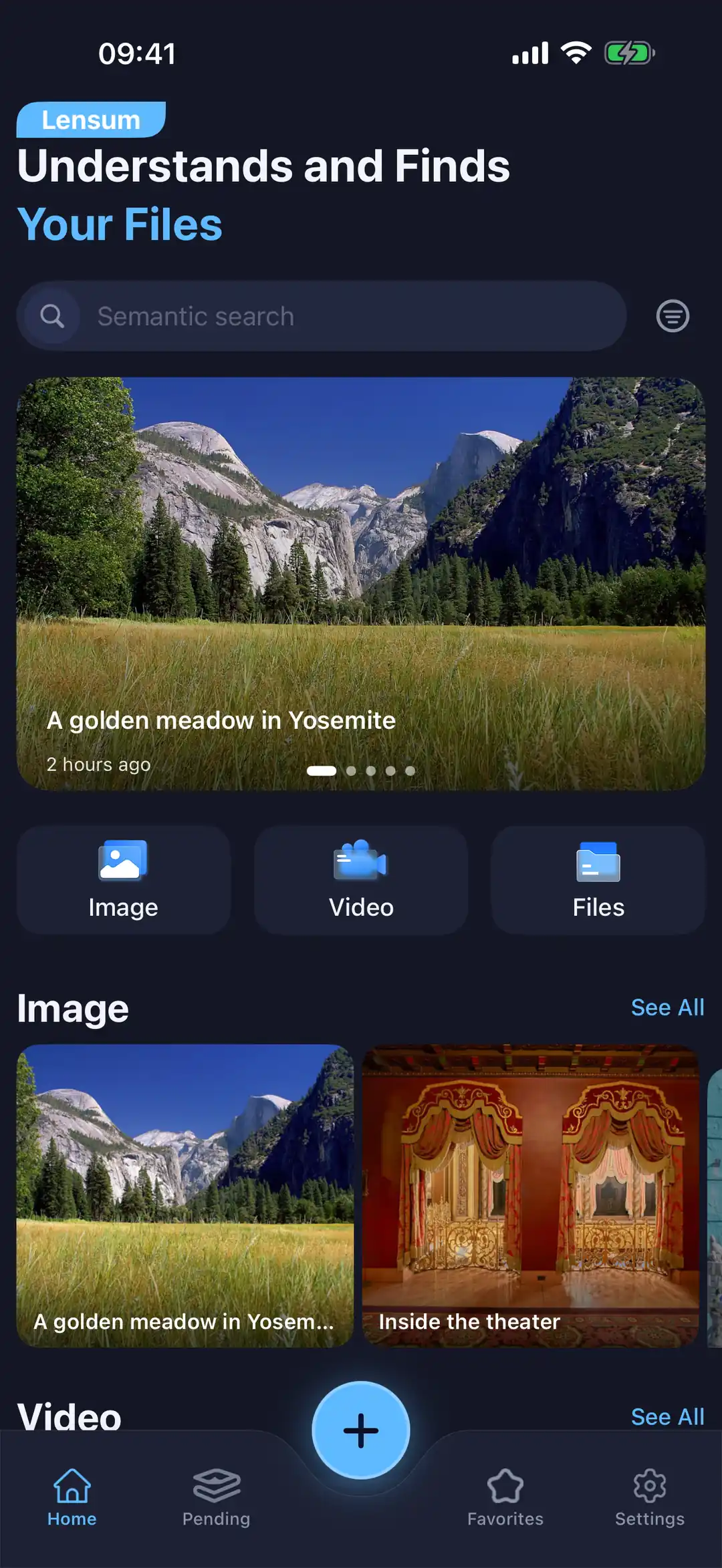
Search by meaning, not just keywords — describe it the way you remember it.
Lensum is a file summary and semantic search app with an AI model that runs entirely on your device — your files stay yours.
PDF · Word · Excel · PowerPoint · Photos · Video · Scans
Search, summarize and understand your files — with an AI model that never leaves your device.
Search by meaning, not just keywords — describe it the way you remember it.
Turn any file — long or short — into a clear, structured summary.
A local model reads your files on your device — nothing is uploaded, and no one else can see them.
Photos are searchable by what they show — remember a scene and find the file; text inside images is picked up too. Videos are understood from sampled frames, so a remembered scene finds the clip.
PDFs, documents, images and more — indexed in one place.
No account, no analytics SDK, no data sale. Privacy is the product.
Same on-device engine, native iOS experience.
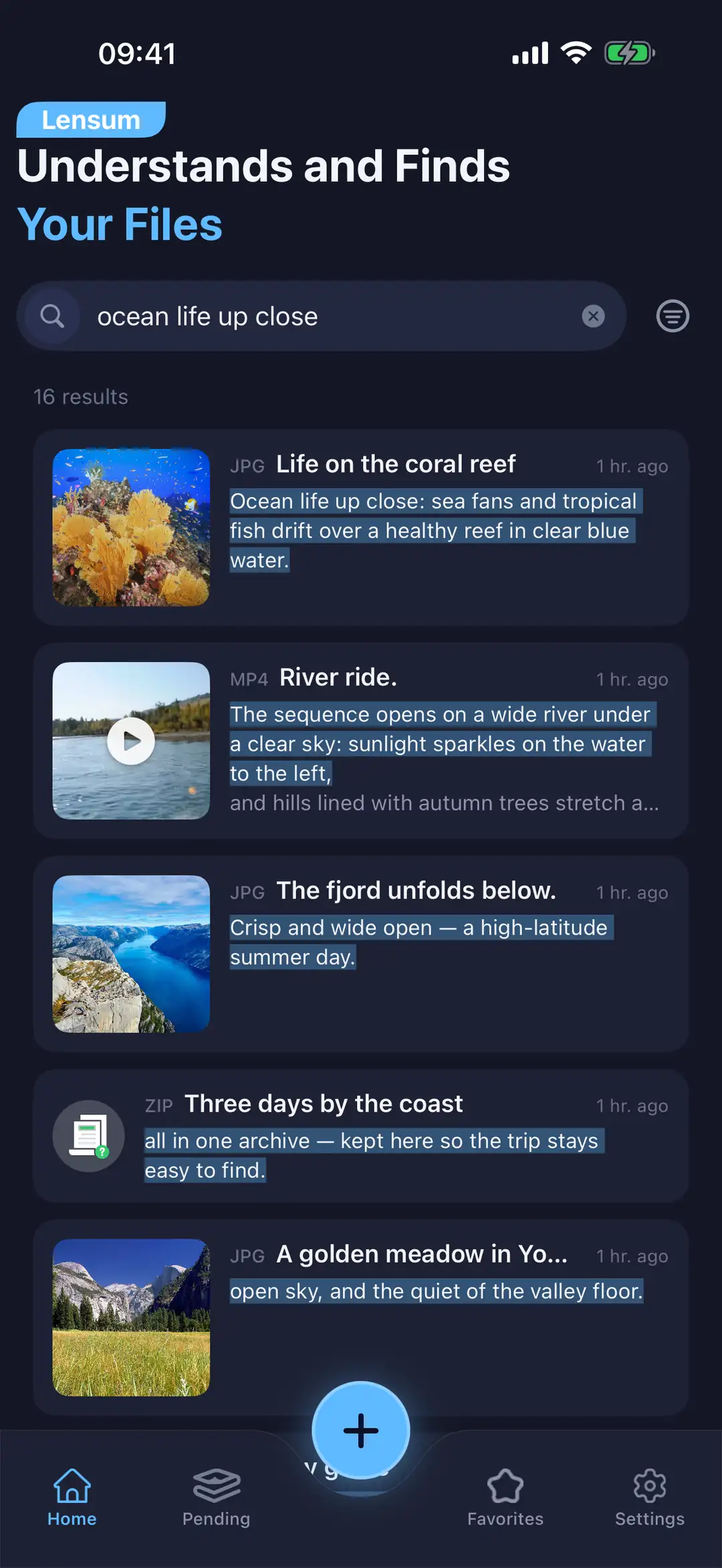
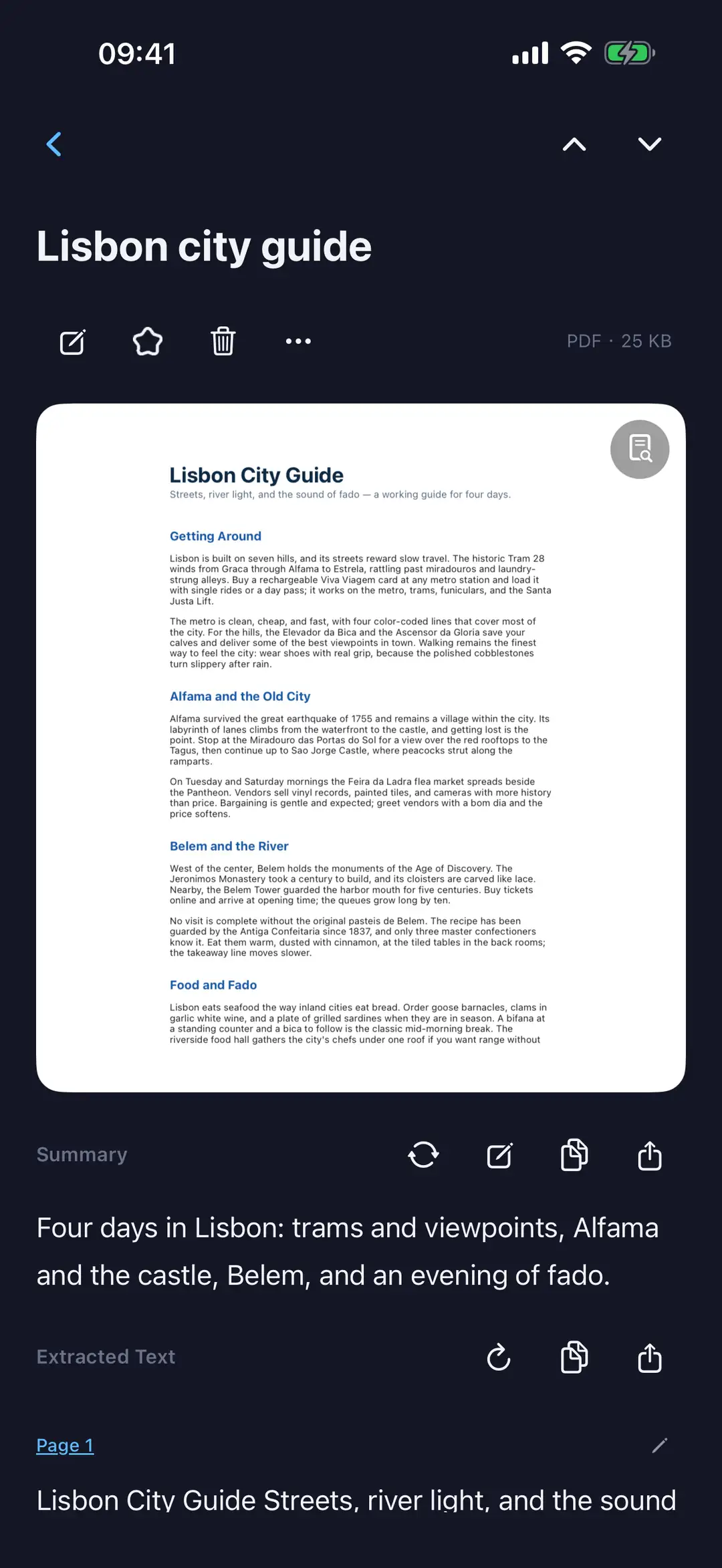
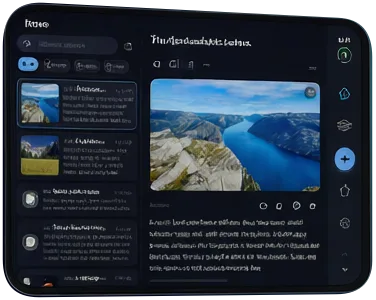
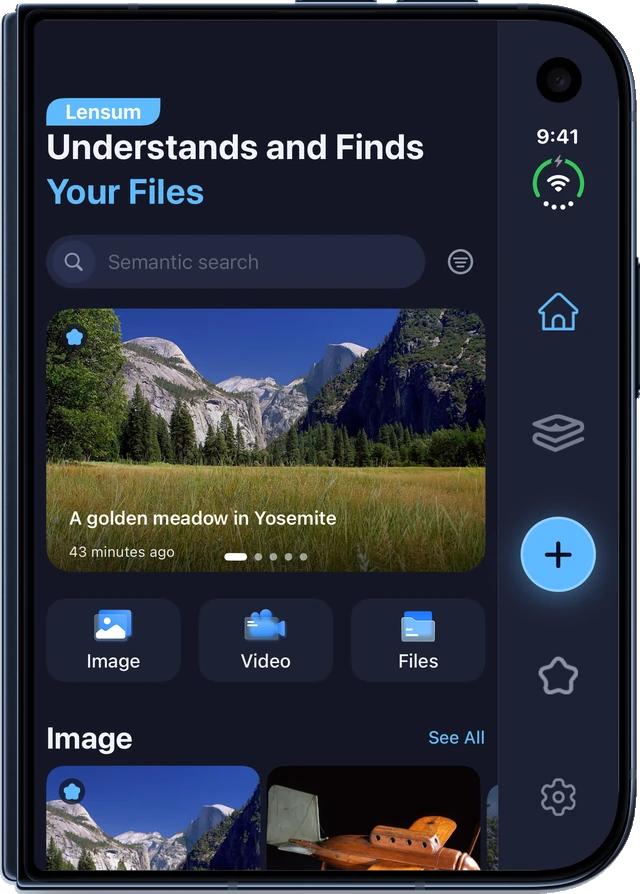
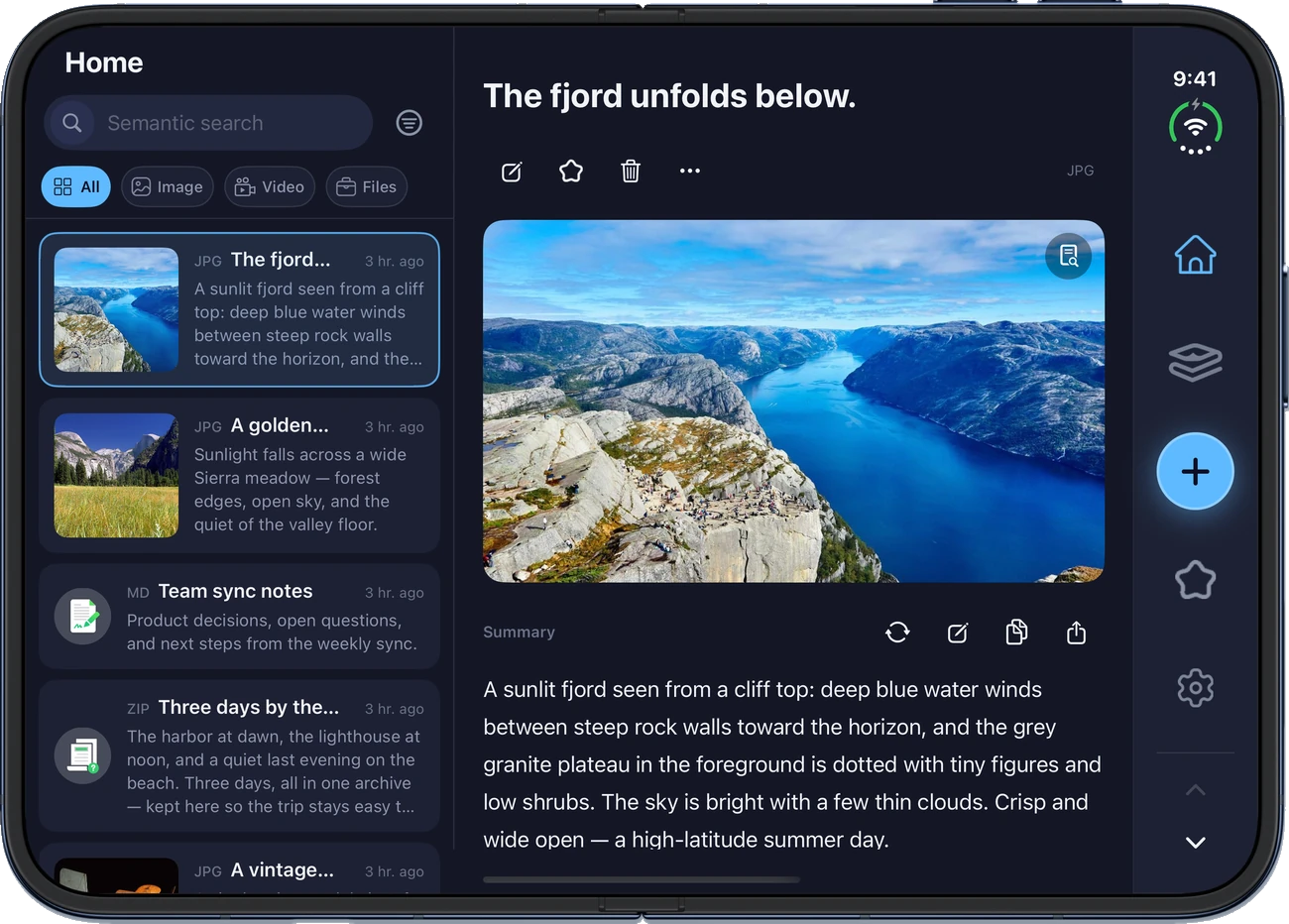
Lensum is adapted for iPhone Duo: the cover screen and the inner screen each get their own layout. On the wider inner screen, the tabs move into a vertical column. It works half-open, too.
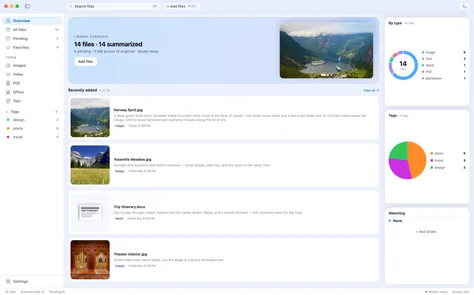
The same library, at home on your Mac — search, summaries, tags and the files overview in one window.
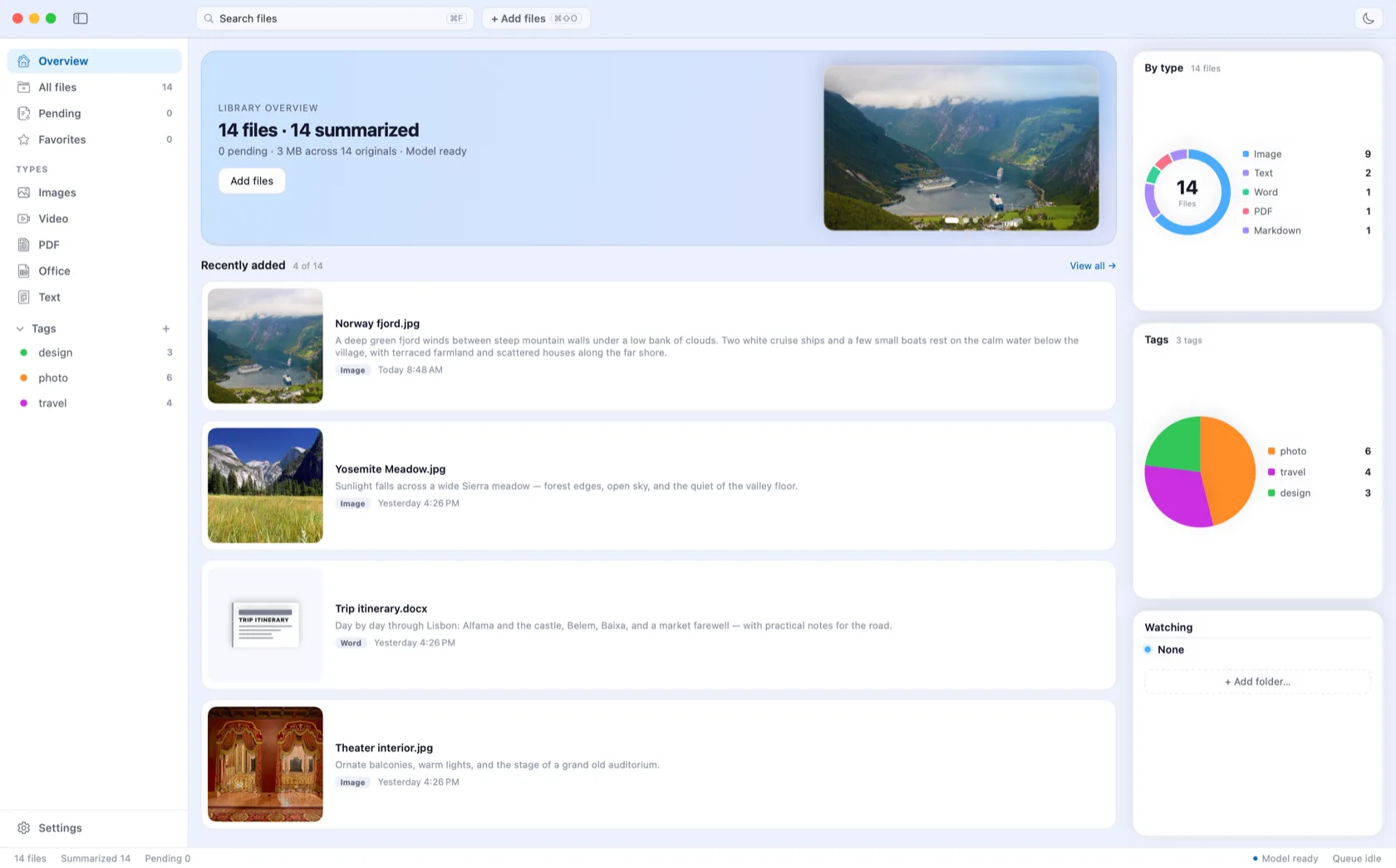
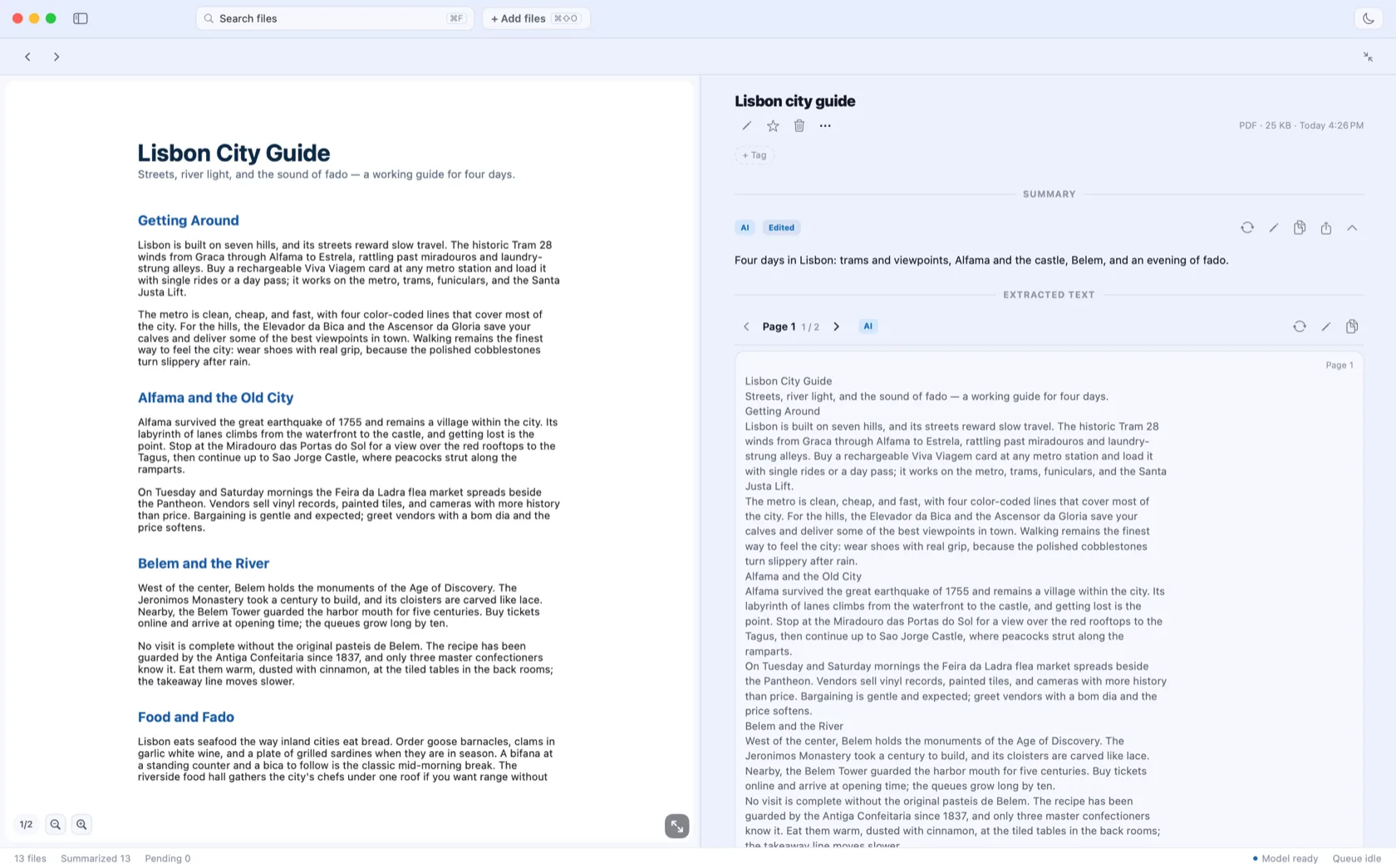
The summary engine and the search index live on your device. Lensum has no account system — there is simply nothing to hand over.
Summaries are generated by a model on your device. Nothing is sent to any AI provider.
No account system means no profile to build and no data to breach.
Delete a file from Lensum, and its record and index go with it.
Lensum is a file summary and semantic search app for iPhone and Mac. It reads your files with an on-device AI model so you can find anything by meaning and get clear summaries.
Yes. Files, extracted text, summaries and the search index are processed and stored entirely on your device. Nothing is uploaded — Lensum has no account system, no servers, and no third-party analytics SDK.
The Mac app is in development. Join the waitlist at the top of this page and we will email you the moment it ships.
The app UI ships in 12 languages at launch. Semantic search works across the languages your files use.
Pricing will be announced at launch. One purchase covers both iPhone and Mac, with the same benefits and pricing. Purchases are handled entirely by Apple through the App Store.
No. Summaries and semantic search run on your device — no quota, no per-use charge.